

Web Free
$0
free forever
For a quick batch now and then. No account needed.
Not included: Max 20 images
Not included: Max 5 MB per image
Not included: 3 conversions
Not included: Standard speed
Not included: With ads
Not included: No folder uploads
Make GIF images smaller. Every file stays GIF, with the same dimensions.
Each frame of a GIF holds at most 256 colors, and many GIFs store every frame in full, often each with its own palette. That makes animations heavy. Our GIF compressor keeps only what changes between frames and rebuilds one shared palette for the whole animation, with the same color reduction behind our PNG compression. In our internal testing, animated cartoons and stickers typically came out about 45% smaller, and animations with a transparent background about 40%. Your GIF stays a GIF, with the same frame timing, looping and transparency.
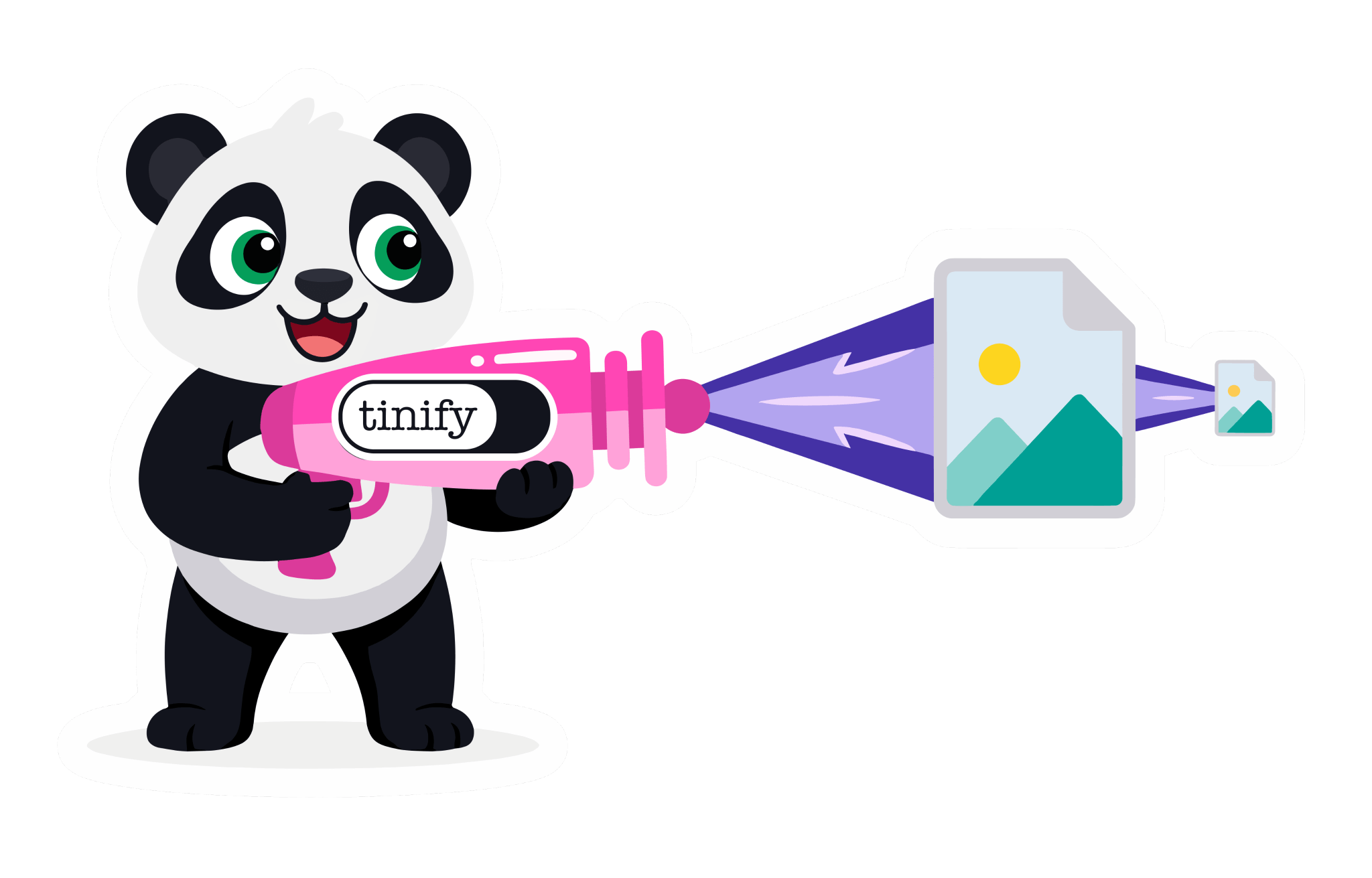
We remove detail you can't see, such as unused colors and hidden metadata. The image looks the same and the file is much smaller.
Web Free takes 20 images per session without an account. Web Pro and Web Ultra have no image limit.
Designers, developers, marketers and many more: millions of people use TinyPNG. Together they've shrunk over 9 billion images.
Add GIF images up to 5 MB each.
Each image comes back as GIF, usually within seconds.
Save them one by one, or all at once as a ZIP.
TinyPNG removes what your eyes can’t see and keeps what they can. The image looks the same and weighs a lot less.

Colors we keep
A photo can hold millions of colors. We merge the ones your eye can’t tell apart, so the file needs fewer bytes to store them.
Every image gets its own settings. Flat graphics and busy photos are compressed in different ways.
Camera data and other metadata you don’t need are removed. Your pixels and dimensions stay exactly the same.
More tools for lighter images, from quick web tools to an API for your own code.
Convert images
Turn any image into PNG, JPG, WebP, AVIF or JPEG XL, compressed in the same step.
Community plugins
Compress with TinyPNG using community plugins for your platform, build tools or framework.
Analyze your website
Find the heavy images on any page and see what you could save.
For developers
Compress GIF images in your build pipeline, CMS or app with the Tinify API. The first 500 compressions every month are free.
curl --user api:YOUR_API_KEY \
  --data-binary @image.gif \
  -i https://api.tinify.com/shrink










“While there are other ways to achieve a 70% reduction in image size, TinyPNG is the easiest and fastest method I’ve found. Plus, it doesn’t alter the image file names, which is great for maintaining SEO integrity.”
 Rachel WoodsMarketing Consultant
Web Free handles 20 GIFs per session, up to 5 MB each. Upgrade for bigger batches and longer animations.
Web Free
$0
free forever
Not included: Max 20 images
Not included: Max 5 MB per image
Not included: 3 conversions
Not included: Standard speed
Not included: With ads
Not included: No folder uploads
Web Pro
Recommended$3.25
per month, billed annually
Unlimited images
Up to 75 MB per image
Not included: 3 conversions
Faster processing
No ads
Not included: No folder uploads
Web Ultra
$12.42
per month, billed annually
Unlimited images
Up to 150 MB per image
Unlimited conversions
Fastest processing
No ads
Folder uploads
It depends on what’s in it. In our internal testing, animated cartoons and stickers typically came out about 45% smaller, animations with a transparent background about 40%, and photographic animations about 8%. Still GIFs shrank least, about 1%, because most were already as small as they get.
Yes. The compressed GIF keeps every frame, its timing, its loop count and its transparency. In our internal testing, compressed GIFs played the same as their originals in Chrome and Firefox.
We aim for no visible loss. Each frame of a GIF holds at most 256 colors, often in a palette of its own, and we rebuild those palettes into one that the whole animation shares, with the same color reduction as our PNG compression. Cartoons, stickers and still GIFs look the same. In photographic animations, smooth gradients can lose a little smoothness, which a careful side-by-side comparison may show.
No. We make every GIF as small as we can without visible loss, but you can’t pick a target size, and we don’t resize it or drop frames. Discord, for example, takes custom emoji up to 256 kB and stickers up to 512 kB. If your GIF is still too big after compressing, make it smaller or shorten it in the app you made it with, then compress it again.
No. If our version would be bigger than your original, you get your original back.
A GIF compresses each frame on its own and has none of the tricks of video formats, so even a short animation makes a large file. Many GIFs also store every frame in full, even where only a small part moves.
Graphics Interchange Format. CompuServe created it in 1987 and extended it as version 89a in 1989. Each frame holds at most 256 colors, which suits cartoons, stickers and simple graphics better than photos, and every browser, phone and computer opens it.
Not yet. GIFs are compressed and stay GIF, and the converter tells you so when you add one.
Yes. Every file comes back in its own format.
No. There's no quality slider, and you can't aim for a size such as 100 kB. We compress every image as far as it goes while it still looks the same, whatever its format. Beyond that, only fewer pixels make a smaller file: an image scaled down in an editor comes out smaller still.
Yes. Web Free compresses 20 images per session, up to 5 MB each, without an account. Once you log in, Web Pro and Web Ultra compress as many images as you like: up to 75 MB each on Web Pro, and up to 150 MB each on Web Ultra. On every plan, an image can have up to 256 megapixels.
Yes. We store your images encrypted, download links expire after 8 hours, and we delete them automatically within 48 hours.
Convert to the format you need, or keep the one you have and just make it smaller.
Convert to
PNG
Best for logos and transparency.
Convert to
JPG
Opens anywhere, also in email.
Convert to
WebP
Best for photos on websites.
Convert to
AVIF
The smallest files for modern browsers.
Convert to
JXL
Top quality for archives.
Not sure which format?
We try PNG, JPG, WebP, AVIF and JPEG XL on every image and keep the smallest file.