

Web Free
$0
free forever
For a quick batch now and then. No account needed.
Not included: Max 20 images
Not included: Max 5 MB per image
Not included: 3 conversions
Not included: Standard speed
Not included: With ads
Not included: No folder uploads

Turn JPEG images into PNG files. We compress every file as we convert it.
3 free JPEG to PNG conversions per session, max 5 MB eachOr click to browse. 3 free JPEG to PNG conversions per session, max 5 MB each
Some apps, print services and upload forms only take PNG. Convert your JPEG and you get a PNG that works there. The PNG looks like the JPEG: detail the JPEG lost doesn't come back.
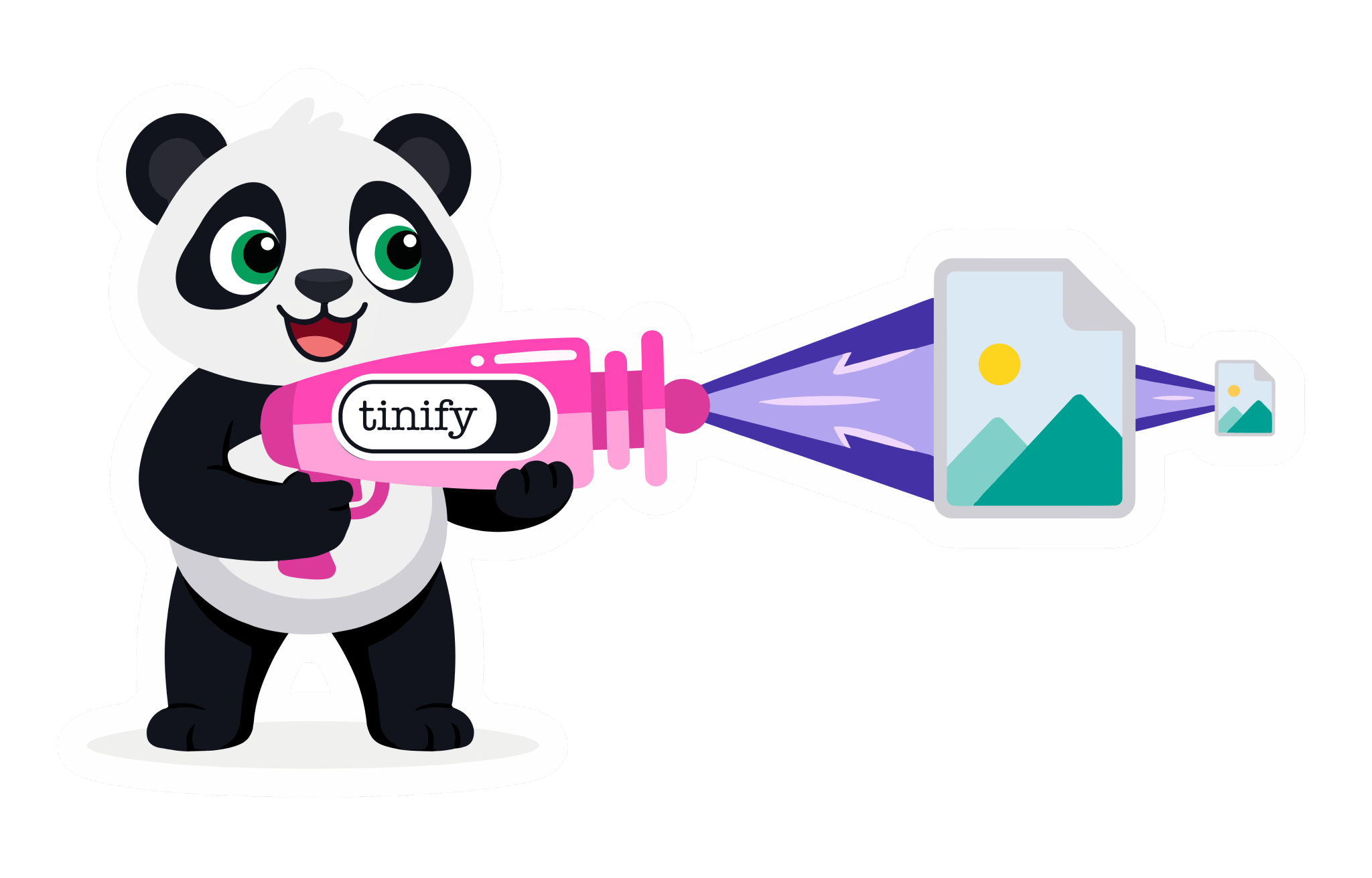
We remove detail you can't see, such as unused colors and hidden metadata. The image looks the same and the file is much smaller.
Web Free converts 3 images per session without an account. Web Ultra has no conversion limit.
Designers, developers, marketers and many more: millions of people use TinyPNG. Together they've shrunk over 9 billion images.
Add JPEG images up to 5 MB each.
Each image comes back as PNG, usually within seconds.
Save them one by one, or all at once as a ZIP.
JPEG is the smaller format for photos and opens everywhere. PNG suits logos, screenshots and cut-outs, and supports transparency. Convert a JPEG to PNG when something asks for PNG; otherwise keep the JPEG.
A typical JPEG, before and after
| JPEG | PNG | |
|---|---|---|
| Compression | Lossy | Lossless |
| File size | Medium | Largest |
| Transparency | No | Yes |
| Browser support | Universal | Universal |
| Best for | Photos for email and print | Screenshots and editing |
More tools for lighter images, from quick web tools to an API for your own code.
For developers
Convert JPEG images in your build pipeline, CMS or app with the Tinify API. The first 500 compressions every month are free.
curl --user api:YOUR_API_KEY \
  --data-binary @image.jpg \
  -i https://api.tinify.com/shrink

curl https://api.tinify.com/output/YOUR_IMAGE_ID \
  --user api:YOUR_API_KEY \
  --header "Content-Type: application/json" \
  --data '{"convert":{"type":"image/png"}}' \
  --output image.png










“While there are other ways to achieve a 70% reduction in image size, TinyPNG is the easiest and fastest method I’ve found. Plus, it doesn’t alter the image file names, which is great for maintaining SEO integrity.”
 Rachel WoodsMarketing Consultant
Web Free covers most people. Upgrade when your batches or your files get bigger.
Web Free
$0
free forever
Not included: Max 20 images
Not included: Max 5 MB per image
Not included: 3 conversions
Not included: Standard speed
Not included: With ads
Not included: No folder uploads
Web Pro
$3.25
per month, billed annually
Unlimited images
Up to 75 MB per image
Not included: 3 conversions
Faster processing
No ads
Not included: No folder uploads
Web Ultra
Recommended$12.42
per month, billed annually
Unlimited images
Up to 150 MB per image
Unlimited conversions
Fastest processing
No ads
Folder uploads
No. A JPEG has no transparent areas, so the PNG keeps the same solid background. Remove the background in an editing tool first.
No. The PNG shows the same image, and detail the JPEG lost stays lost.
JPEG stores images more efficiently, so the same image needs more bytes as PNG. Measured on real images converted with TinyPNG, it usually comes out about 1.8 times the size.
Yes. Use the swap button, or go to PNG to JPG. Detail removed by compression doesn't come back.
Yes. They are the same format; only the file extension differs. Old Windows only allowed three letters for the file extension, so JPEG became .jpg. Renaming one to the other changes nothing about the file.
Joint Photographic Experts Group (JPEG), the committee that created the format. JPG is the same name cut to three letters.
Yes, always, even at the highest quality setting. Saving a JPEG again can lose a little more detail, so keep your original.
JPG for photos: much smaller, and it opens everywhere. PNG for logos, screenshots and cut-outs: it keeps every pixel and supports transparency. A photo saved as PNG is several times bigger than it needs to be, while flat graphics or art may be much smaller and higher quality with PNG. Photos saved as PNG usually shrink by about 90% when converted to JPG, measured on real images converted with TinyPNG. Screenshots and text can get fuzzy edges as JPG, so keep those as PNG.
Portable Network Graphics, officially pronounced "ping". It was created in 1995 as a free replacement for GIF, whose (LZW) compression was patented at the time, and became a W3C Recommendation on 1 October 1996. It is a lossless image format with full transparency and millions of colours, where GIF is limited to 256. That makes it the usual choice for screenshots, logos and graphics with text, and every browser, phone and computer opens it.
Yes. A PNG stores every pixel exactly, which is also why the files are large. Our compressor applies lossy compression by reducing the colours, so its result looks the same rather than being pixel-identical.
Add your JPEGs above, choose PNG and download the result. It works in your browser on Windows, Mac, iPhone and Android, with nothing to install.
A JPG file is a photo saved in the JPEG format, named after the Joint Photographic Experts Group. It keeps photos small by dropping detail the eye barely notices, which is why it is lossy, and it has no transparency. Cameras, phones, websites and email all use it, and every browser, app and email client opens it.
Yes. Web Free converts 3 images per session, up to 5 MB each, without an account. Web Pro takes bigger files, and Web Ultra converts as many as you like.
Yes. We store your images encrypted, download links expire after 8 hours, and we delete your images from our servers within 48 hours.
We remove all metadata, such as camera details, GPS location and editing history, to keep files small. Want to keep metadata? Use the developer API: it can keep the copyright, creation date and location.
Convert to the format you need, or keep the one you have and just make it smaller.



By using this site you accept the terms of use.