


Web Free
$0
free forever
For a quick batch now and then. No account needed.
Not included: Max 20 images
Not included: Max 5 MB per image
Not included: 3 conversions
Not included: Standard speed
Not included: With ads
Not included: No folder uploads

Make JPG images smaller. Every file stays JPG, with the same dimensions.
Cameras and editors save JPGs at a high quality setting and add metadata, such as camera details and GPS location. Our JPG compressor chooses a quality for each photo that still looks right and removes all metadata. JPG files usually come out more than 60% smaller, measured on real images compressed with TinyPNG. Photos that were already compressed save less.
We remove detail you can't see, such as unused colors and hidden metadata. The image looks the same and the file is much smaller.
Web Free takes 20 images per session without an account. Web Pro and Web Ultra have no image limit.
Designers, developers, marketers and many more: millions of people use TinyPNG. Together they've shrunk over 9 billion images.
Add JPG images up to 5 MB each.
Each image comes back as JPG, usually within seconds.
Save them one by one, or all at once as a ZIP.
The same photo before and after TinyPNG, 1096 × 639 pixels on both sides. Move across the image to compare.
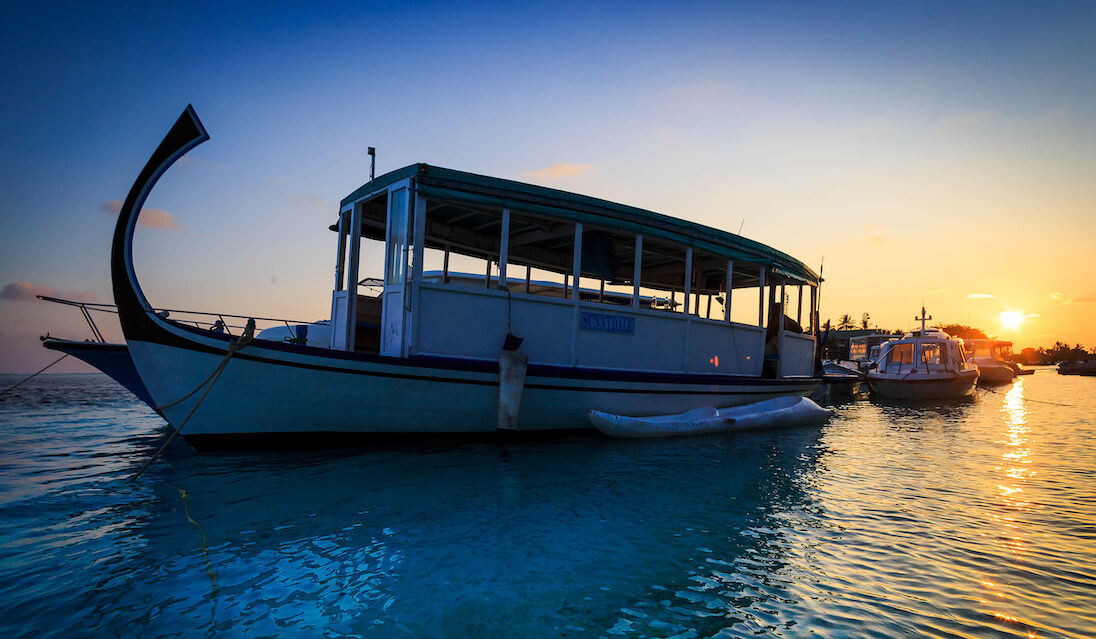
 OriginalCompressed
TinyPNG removes what your eyes can’t see and keeps what they can. Your photo looks the same and weighs a lot less.

Colors we keep
A photo can hold millions of colors. We merge the ones your eye can’t tell apart, so the file needs fewer bytes to store them.
Every image gets its own settings. Flat graphics and busy photos are compressed in different ways.
Camera data and other metadata you don’t need are removed. Your pixels and dimensions stay exactly the same.
More tools for lighter images, from quick web tools to an API for your own code.
Convert images
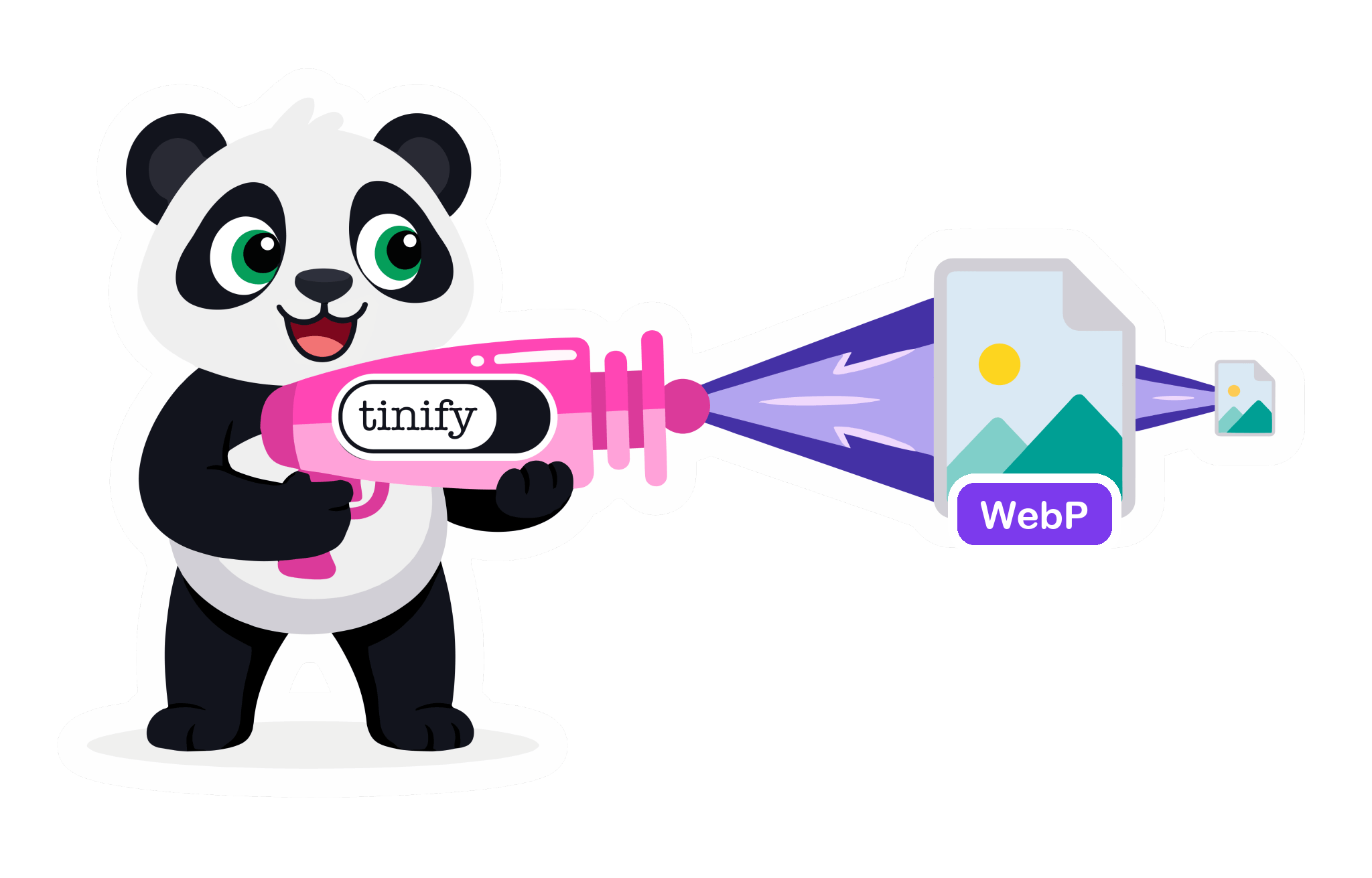
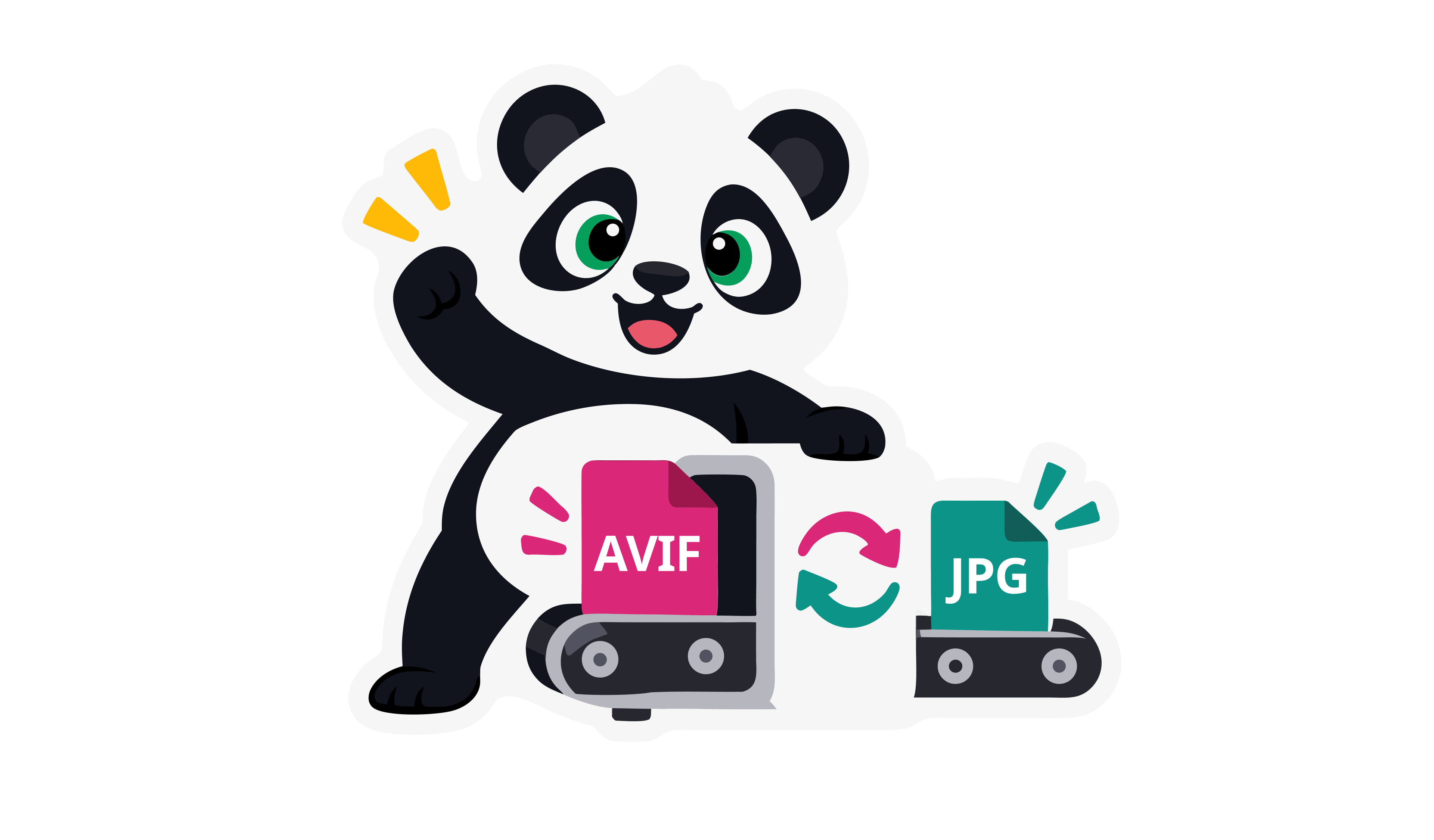
Turn any image into PNG, JPG, WebP, AVIF or JPEG XL, compressed in the same step.
Community plugins
Compress with TinyPNG using community plugins for your platform, build tools or framework.
Analyze your website
Find the heavy images on any page and see what you could save.
For developers
Compress JPG images in your build pipeline, CMS or app with the Tinify API. The first 500 compressions every month are free.
curl --user api:YOUR_API_KEY \
  --data-binary @image.jpg \
  -i https://api.tinify.com/shrink










“While there are other ways to achieve a 70% reduction in image size, TinyPNG is the easiest and fastest method I’ve found. Plus, it doesn’t alter the image file names, which is great for maintaining SEO integrity.”
 Rachel WoodsMarketing Consultant
Web Free handles 20 JPGs per session, up to 5 MB each. Upgrade for full photo shoots and high-resolution camera files.
Web Free
$0
free forever
Not included: Max 20 images
Not included: Max 5 MB per image
Not included: 3 conversions
Not included: Standard speed
Not included: With ads
Not included: No folder uploads
Web Pro
Recommended$3.25
per month, billed annually
Unlimited images
Up to 75 MB per image
Not included: 3 conversions
Faster processing
No ads
Not included: No folder uploads
Web Ultra
$12.42
per month, billed annually
Unlimited images
Up to 150 MB per image
Unlimited conversions
Fastest processing
No ads
Folder uploads
Use WebP or AVIF: both are much smaller. A JPG converted to WebP usually comes out more than 75% smaller and one converted to AVIF more than 70%, measured on real images converted with TinyPNG. WebP opens in more places, so start there. Keep JPG for email, upload forms and anything you share outside the web.
Yes. Every file comes back in its own format.
Yes. They are the same format; only the file extension differs. Old Windows only allowed three letters for the file extension, so JPEG became .jpg. Renaming one to the other changes nothing about the file, so converting to JPEG is the same as converting to JPG, and a .jpeg file converts and compresses like a .jpg.
Compress it here. JPG files usually come out more than 60% smaller, measured on real images compressed with TinyPNG. Each photo gets a quality that still looks right, and we remove all metadata, such as camera details, GPS location and editing history. The developer API can keep it.
No. There's no quality slider, and you can't aim for a size such as 100 kB. We compress every image as far as it goes while it still looks the same, whatever its format. Beyond that, only fewer pixels make a smaller file: an image scaled down in an editor comes out smaller still.
JPG for photos: much smaller, and it opens everywhere. PNG for logos, screenshots and cut-outs: it keeps every pixel and supports transparency. A photo saved as PNG is several times bigger than it needs to be, while flat graphics or art may be much smaller and higher quality with PNG.
Joint Photographic Experts Group (JPEG), the committee that created the format. JPG is the same name cut to three letters.
No. When you convert to JPG, we turn transparent areas white, and we ask before doing it. To keep them, convert to PNG, WebP, AVIF or JPEG XL instead.
Yes. A .jfif file is a JPEG with a different extension. Rename it to .jpg, or drop it here to get a compressed JPG.
Yes, always, even at the highest quality setting. Saving a JPG again can lose a little more detail, so keep your original.
A JPG file is a photo saved in the JPEG format, named after the Joint Photographic Experts Group. JPG files are always lossy: they keep photos small by dropping detail the eye barely notices. They have no transparency. Cameras, phones, websites and email all use it, and every browser, app and email client opens it.
Yes. Web Free compresses 20 images per session, up to 5 MB each, without an account. Once you log in, Web Pro and Web Ultra compress as many images as you like: up to 75 MB each on Web Pro, and up to 150 MB each on Web Ultra. On every plan, an image can have up to 256 megapixels.
Yes. We store your images encrypted, download links expire after 8 hours, and we delete them automatically after 24 hours.
Yes. To keep files small we remove all metadata: EXIF data such as camera details and GPS location, and XMP data such as copyright and editing history. Colour profiles are converted to sRGB, the standard for screens and the web. The developer API can keep the copyright, creation date and location.
Convert to the format you need, or keep the one you have and just make it smaller.




Al utilizar este sitio, tú aceptas las condiciones de uso.