


Web Free
$0
free forever
For a quick batch now and then. No account needed.
Not included: Max 20 images
Not included: Max 5 MB per image
Not included: 3 conversions
Not included: Standard speed
Not included: With ads
Not included: No folder uploads

Turn JPEG XL images into PNG files. We compress every file as we convert it.
3 free JPEG XL to PNG conversions per session, max 5 MB eachOr click to browse. 3 free JPEG XL to PNG conversions per session, max 5 MB each
Edge doesn't open JPEG XL, Windows needs an extension from the Microsoft Store, and many design tools and upload forms don't accept it. PNG opens in all of them and keeps transparent areas. The PNG is usually bigger than the JPEG XL file.
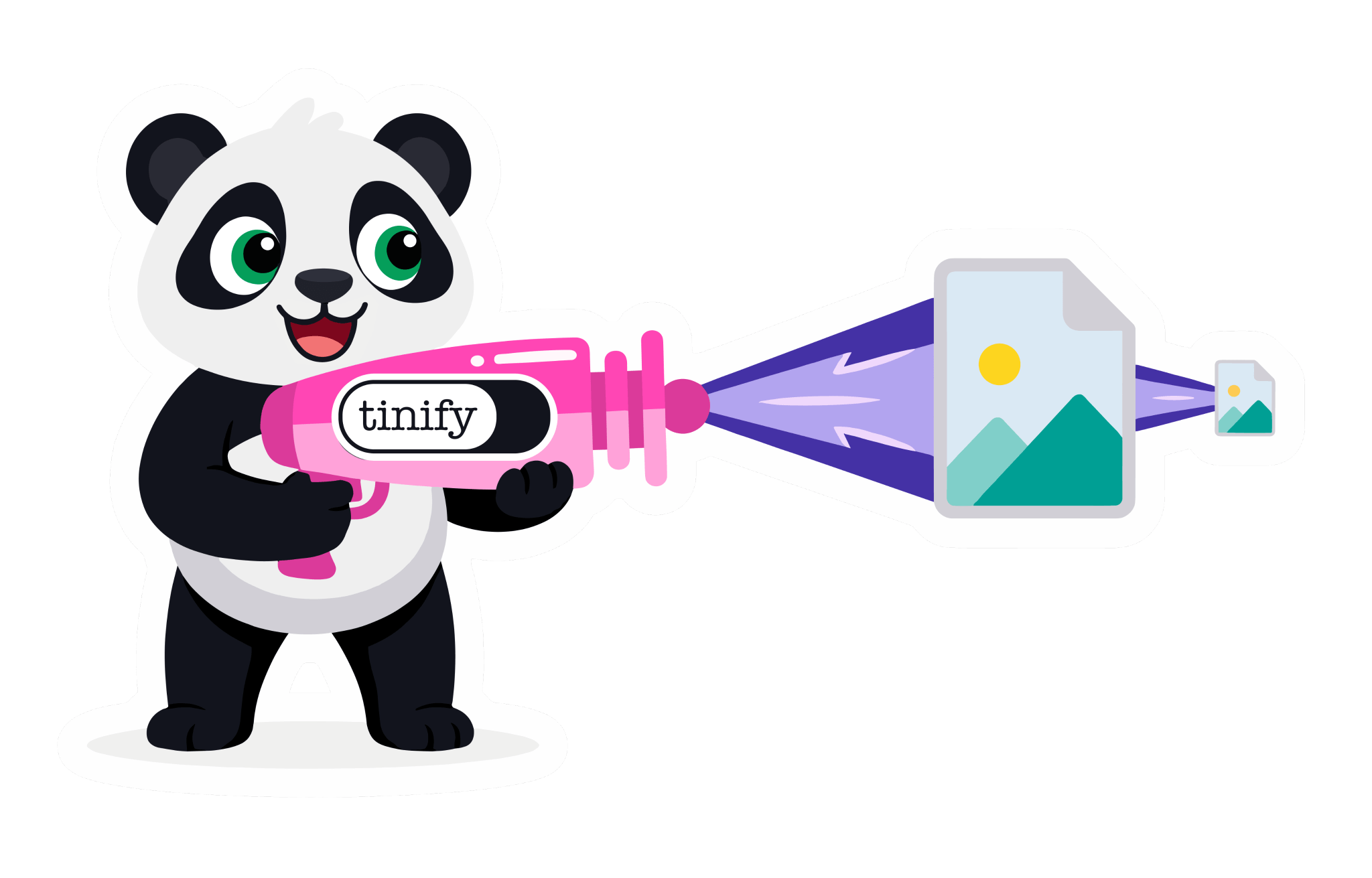
We remove detail you can't see, such as unused colors and hidden metadata. The image looks the same and the file is much smaller.
Web Free converts 3 images per session without an account. Web Ultra has no conversion limit.
Designers, developers, marketers and many more: millions of people use TinyPNG. Together they've shrunk over 9 billion images.
Add JPEG XL images up to 5 MB each.
Each image comes back as PNG, usually within seconds.
Save them one by one, or all at once as a ZIP.
JPEG XL keeps transparency and makes small files, but Edge doesn't open it yet. PNG opens in every app and browser, and keeps transparency too. Use PNG when a tool can't read JPEG XL.
| JXL | PNG | |
|---|---|---|
| Compression | Lossy and lossless | Lossless |
| File size | Smallest | Largest |
| Transparency | Yes | Yes |
| Browser support | Chrome, Firefox and Safari; not Edge yet | Universal |
| Best for | Archiving and high quality | Screenshots and editing |
More tools for lighter images, from quick web tools to an API for your own code.
For developers
Convert JPEG XL images in your build pipeline, CMS or app with the Tinify API. The first 500 compressions every month are free.
curl --user api:YOUR_API_KEY \
  --data-binary @image.jxl \
  -i https://api.tinify.com/shrink

curl https://api.tinify.com/output/YOUR_IMAGE_ID \
  --user api:YOUR_API_KEY \
  --header "Content-Type: application/json" \
  --data '{"convert":{"type":"image/png"}}' \
  --output image.png










“While there are other ways to achieve a 70% reduction in image size, TinyPNG is the easiest and fastest method I’ve found. Plus, it doesn’t alter the image file names, which is great for maintaining SEO integrity.”
 Rachel WoodsMarketing Consultant
Web Free covers most people. Upgrade when your batches or your files get bigger.
Web Free
$0
free forever
Not included: Max 20 images
Not included: Max 5 MB per image
Not included: 3 conversions
Not included: Standard speed
Not included: With ads
Not included: No folder uploads
Web Pro
$3.25
per month, billed annually
Unlimited images
Up to 75 MB per image
Not included: 3 conversions
Faster processing
No ads
Not included: No folder uploads
Web Ultra
Recommended$12.42
per month, billed annually
Unlimited images
Up to 150 MB per image
Unlimited conversions
Fastest processing
No ads
Folder uploads
Yes. Transparent areas stay transparent in the PNG.
Yes, at JXL to JPG. A JPG opens everywhere too, but transparent areas become white. Use PNG to keep them.
Yes. Use the swap button, or go to PNG to JXL. Detail removed by compression doesn't come back.
Chrome (from 155) and Firefox (from 158) turned it on in October 2026, and Safari has shown JPEG XL stills since version 17. Edge, Opera and Samsung Internet don't open it yet. Check current support on caniuse.com.
Windows 11 24H2 opens it after you install the free JPEG XL Image Extension from the Microsoft Store; Windows 10 needs a third-party plugin.
JPG for photos: much smaller, and it opens everywhere. PNG for logos, screenshots and cut-outs: it keeps every pixel and supports transparency. A photo saved as PNG is several times bigger than it needs to be, while flat graphics or art may be much smaller and higher quality with PNG. Photos saved as PNG usually shrink by about 90% when converted to JPG, measured on real images converted with TinyPNG. Screenshots and text can get fuzzy edges as JPG, so keep those as PNG.
Add your JPEG XL images above, choose PNG and download the result. This JPEG XL to PNG converter works in your browser on Windows, Mac, iPhone and Android, with nothing to install.
A .jxl file is an image in JPEG XL, a newer format designed to replace JPG. It can be lossy or lossless, keeps transparency, and can repack a JPG without losing anything. Support is still growing. It opens on iPhones, iPads and Macs (iOS 17 and macOS 14 or later), in Safari, and in Chrome and Firefox since October 2026, on Android too. It doesn't open in Edge yet, and Windows 11 needs the free JPEG XL Image Extension.
Yes. Web Free converts 3 images per session, up to 5 MB each, without an account. Once you log in, Web Pro converts 3 images per session, up to 75 MB each, and Web Ultra converts as many as you like, up to 150 MB each. On every plan, an image can have up to 256 megapixels.
Yes. We store your images encrypted, download links expire after 8 hours, and we delete them automatically after 24 hours.
Yes. To keep files small we remove all metadata: EXIF data such as camera details and GPS location, and XMP data such as copyright and editing history. Colour profiles are converted to sRGB, the standard for screens and the web. The developer API can keep the copyright, creation date and location.
Convert to the format you need, or keep the one you have and just make it smaller.




En utilisant ce site, vous acceptez les conditions d’utilisation.