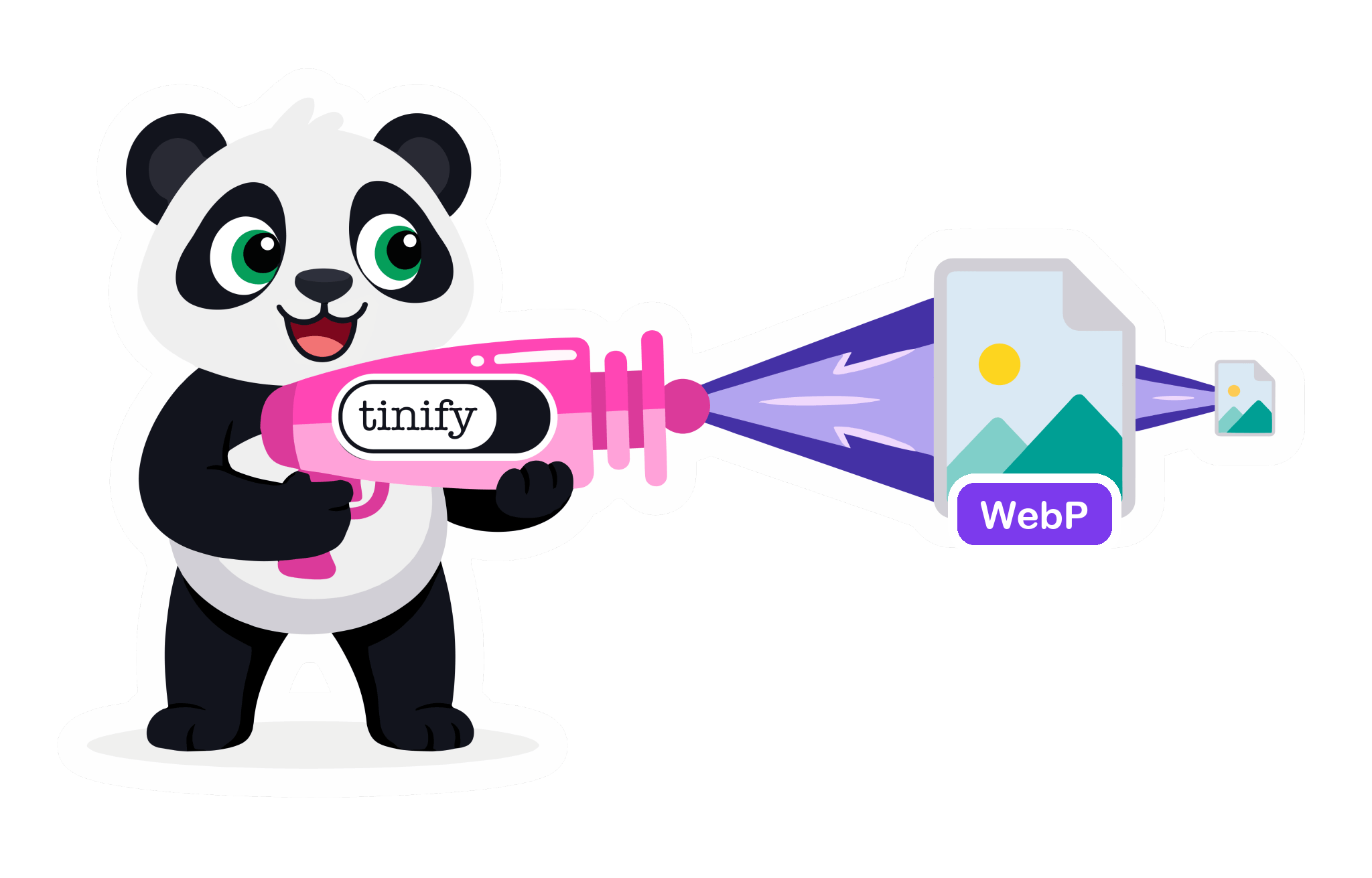
How to convert WebP to JPG without losing quality
Got a WebP image you can’t open? Here’s how to convert WebP to JPG with TinyPNG, which compresses as it converts so your JPG stays small and sharp.
Got a WebP image you can’t open? Here’s how to convert WebP to JPG with TinyPNG, which compresses as it converts so your JPG stays small and sharp.

A slow site costs you customers. 3 free image optimization tools for small businesses that check page speed, compress images, and automate WordPress uploads.
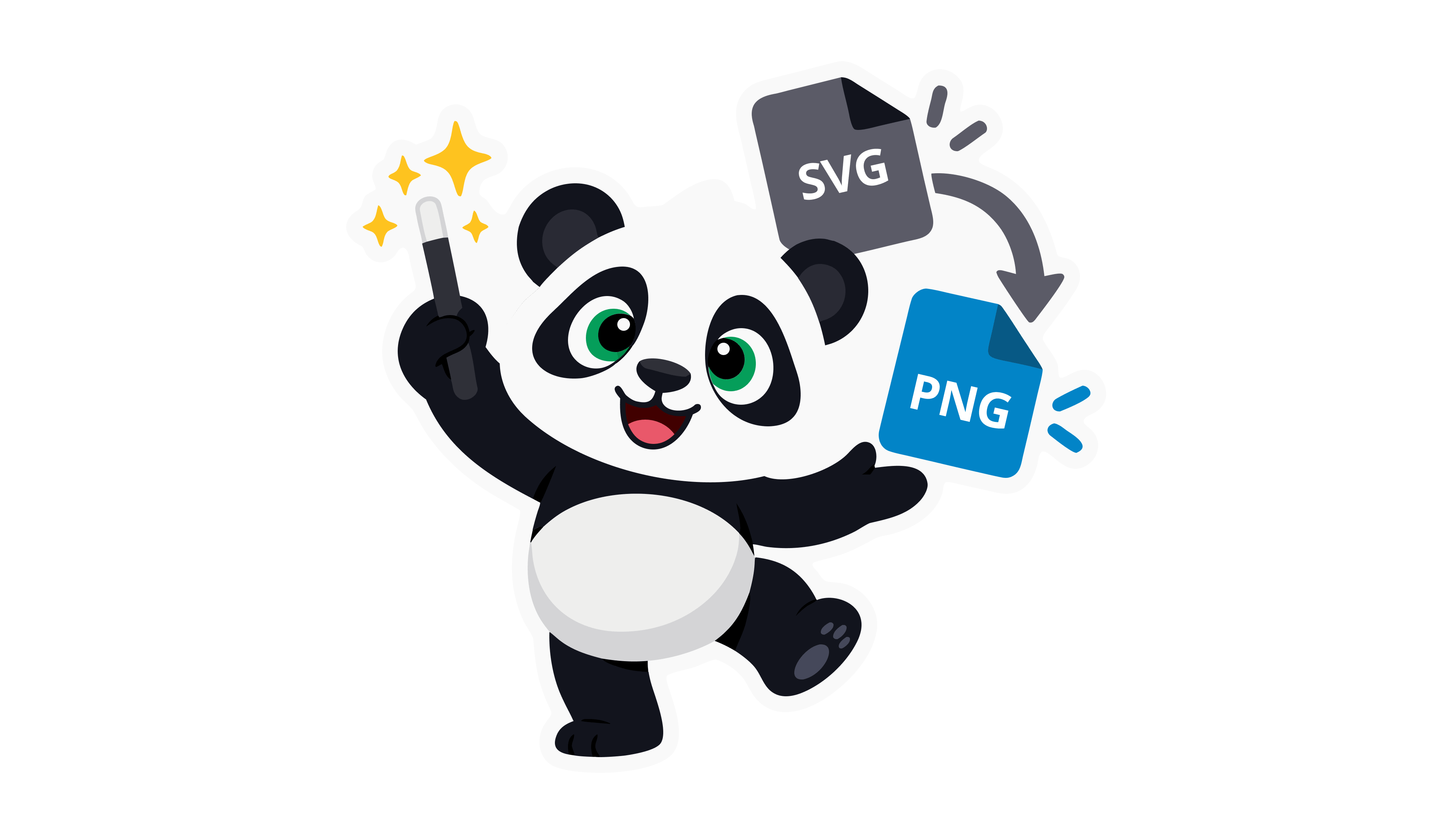
An SVG file is a scalable vector image. Learn how it compares to PNG, how to open and edit one, and how to compress SVG files for faster pages.
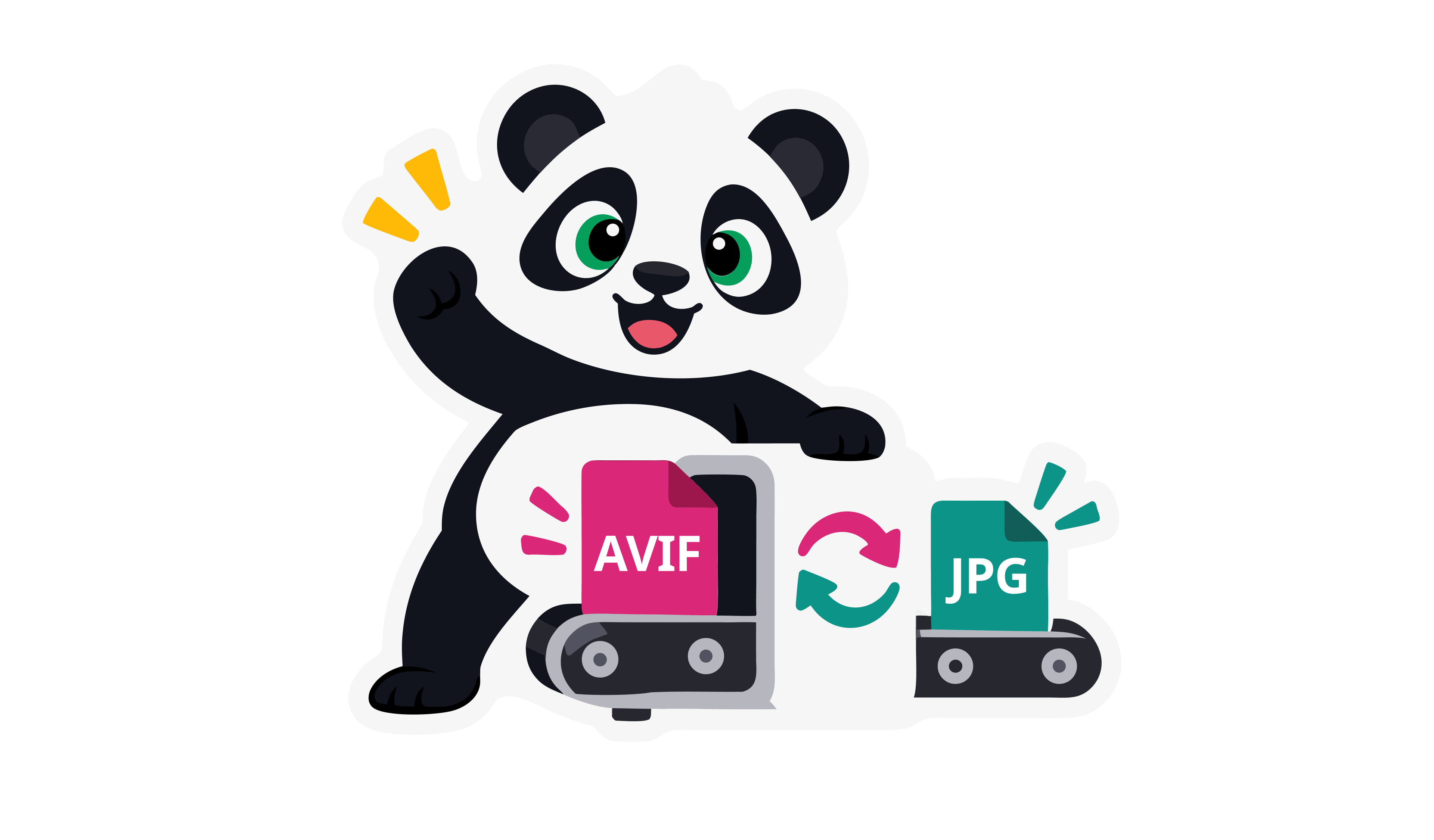
AVIF images don’t open everywhere yet. Learn what AVIF is, how it compares to JPG, and convert AVIF to JPG online in seconds with Tinify.

Use TinyPNG's free image compressor and converter to shrink file size and switch between PNG, JPG, WebP, AVIF, and JPEG XL in one click.
Serve WebP and AVIF automatically with Tinify's WordPress image optimization plugin. Faster load times and better SEO, no manual setup required.

Compare Tinify pricing models: API credit bundles and pay-per-compression. Find the right fit for your project and how you work.

Wondering why your site loads slowly? Failing to compress images is the most common cause. Here are 7 reasons images hurt performance and how to fix each one.

Convert PNG to WebP and compress WebP images up to 34% smaller than JPEG. An honest look at WebP's pros, cons, and where AVIF fits in 2026.

Learn how lossy vs lossless compression reduces image file size without noticeable quality loss. Optimize images for faster websites.
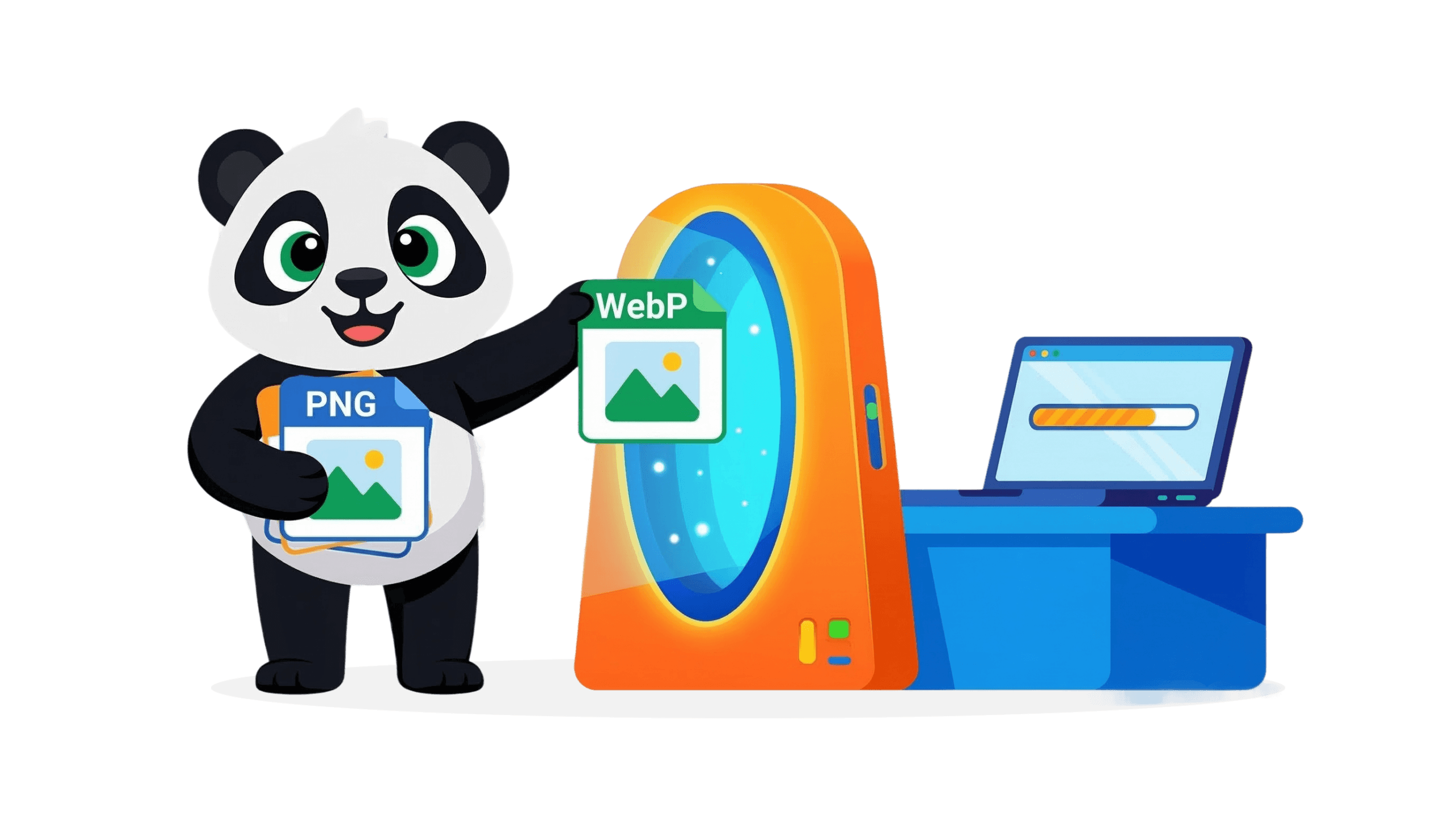
Learn to compress PNG to WebP to reduce file size and speed up your website. Optimize your images with Tinify (also supports AVIF, JXL, JPG).

Learn how to compress images online without losing quality. Reduce file size, speed up websites, and optimize images easily with modern compression tools.
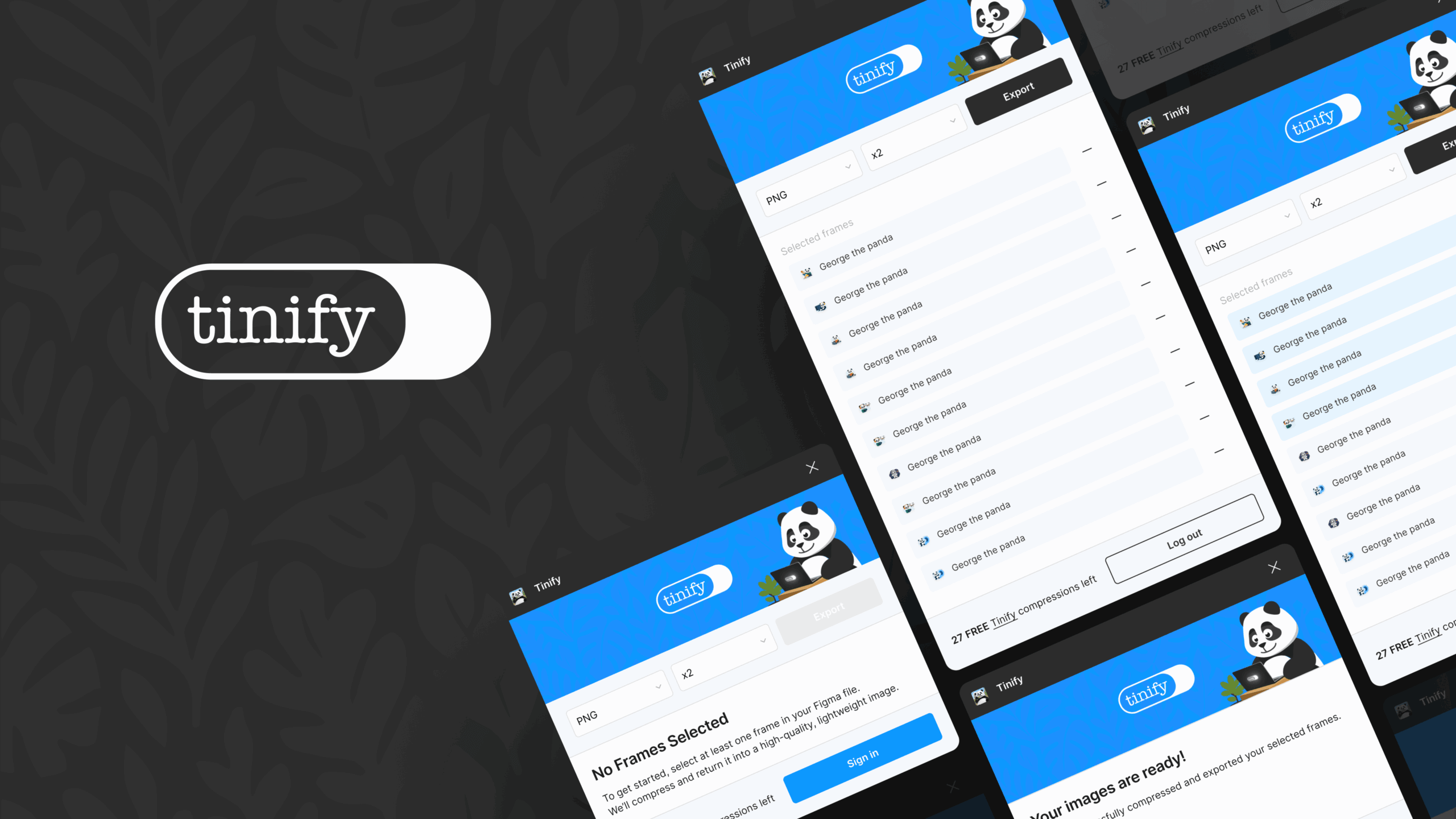
Compress and export images directly from Figma using the official TinyPNG plugin. Free to use for exporting PNG, JPEG, WebP, and AVIF images.
Optimize images for web as part of a simple website update routine. Design in Adobe Express, compress with TinyPNG, then publish without second-guessing.

Images are an integral part of storytelling, whether it’s for personal or business use. Learn how to convert HEIC to JPG, PNG, WebP, AVIF, or JXL with TinyPNG.

The Tinify Make.com Integration lets you use Tinify’s image compression directly within your Make.com workflows.

Learn image conversion step by step: how PNG, JPEG, and WebP differ, how to fix 8 common format problems, and how to convert images for free with TinyPNG.

Image compression for high-traffic websites, at scale: see how TinyPNG’s API, bulk compression, and image CDN keep pages fast as your image library grows.

Marketing professionals use TinyPNG to compress images in bulk, keep quality high, and convert to WebP. See why agencies recommend it for faster client sites.

40% of shoppers leave a store that takes over 3 seconds to load. Use these e-commerce image optimization tips to compress product photos and sell more.
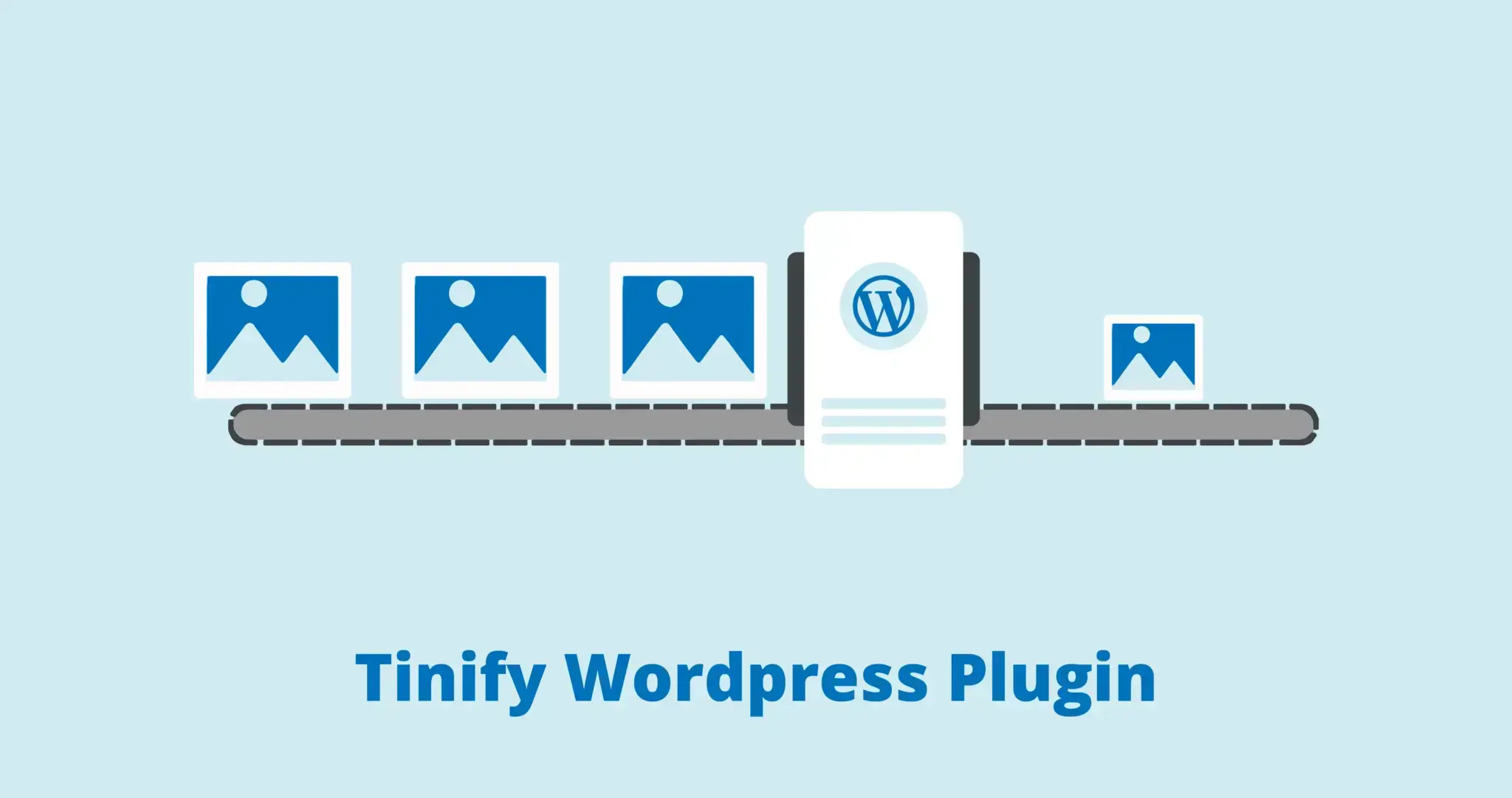
A fast-loading website is more important than ever. It leads to more conversions and a better user experience. Compressed images have a big influence on that. I
A simple way to boost your website’s performance is by compressing images. Image compression means making image file sizes smaller using lossy or lossless techn

“For me, the convenience of TinyPNG is invaluable. The functionality and speed of the tool are fantastic, and while there are other ways to achieve a 70% reduct
Converting PNG to WebP format can make your website load faster and save storage space without compromising image quality. WebP supports transparency just like
WebP images are just as high quality as JPEG images, even though they are smaller in size. Learn to convert JPEG to WebP for better web speed – your website vis
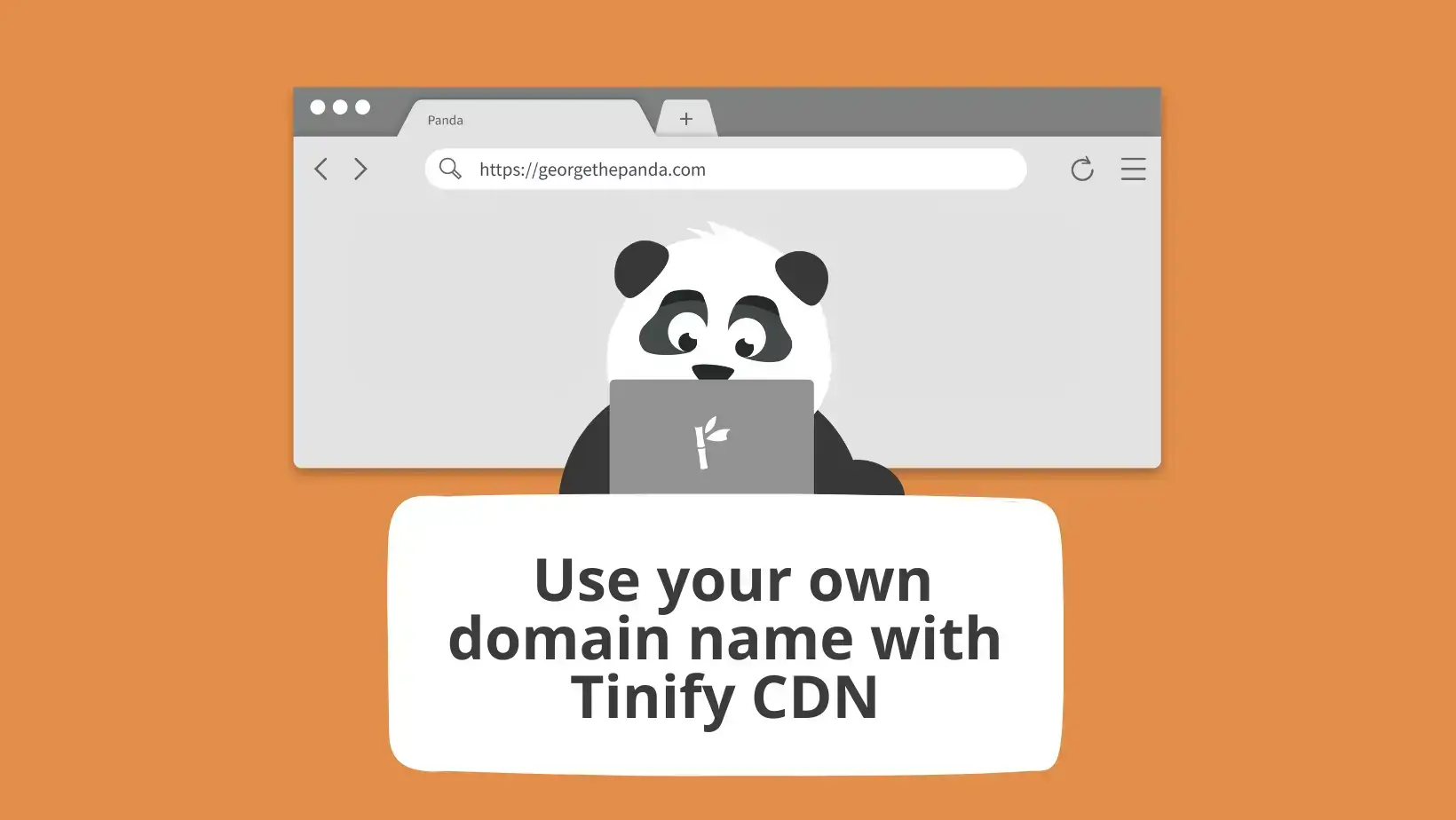
We are excited to announce a new feature for Tinify CDN: custom domain. This allows Tinify CDN users to personalize their URL with their own brand (“example.com

How to resize images? Isn’t it the same as compressing them? We’ve noticed that many of you have questions about reducing the size of your images. We understand
When it comes to image compression, most people are introduced to this concept through familiar apps they use daily – for example, Photoshop, Canva, or even Pre

Evert Albers specializes in creating visual identities and websites for clients in the renewable energy sector. As a graphic and web designer with customers fro
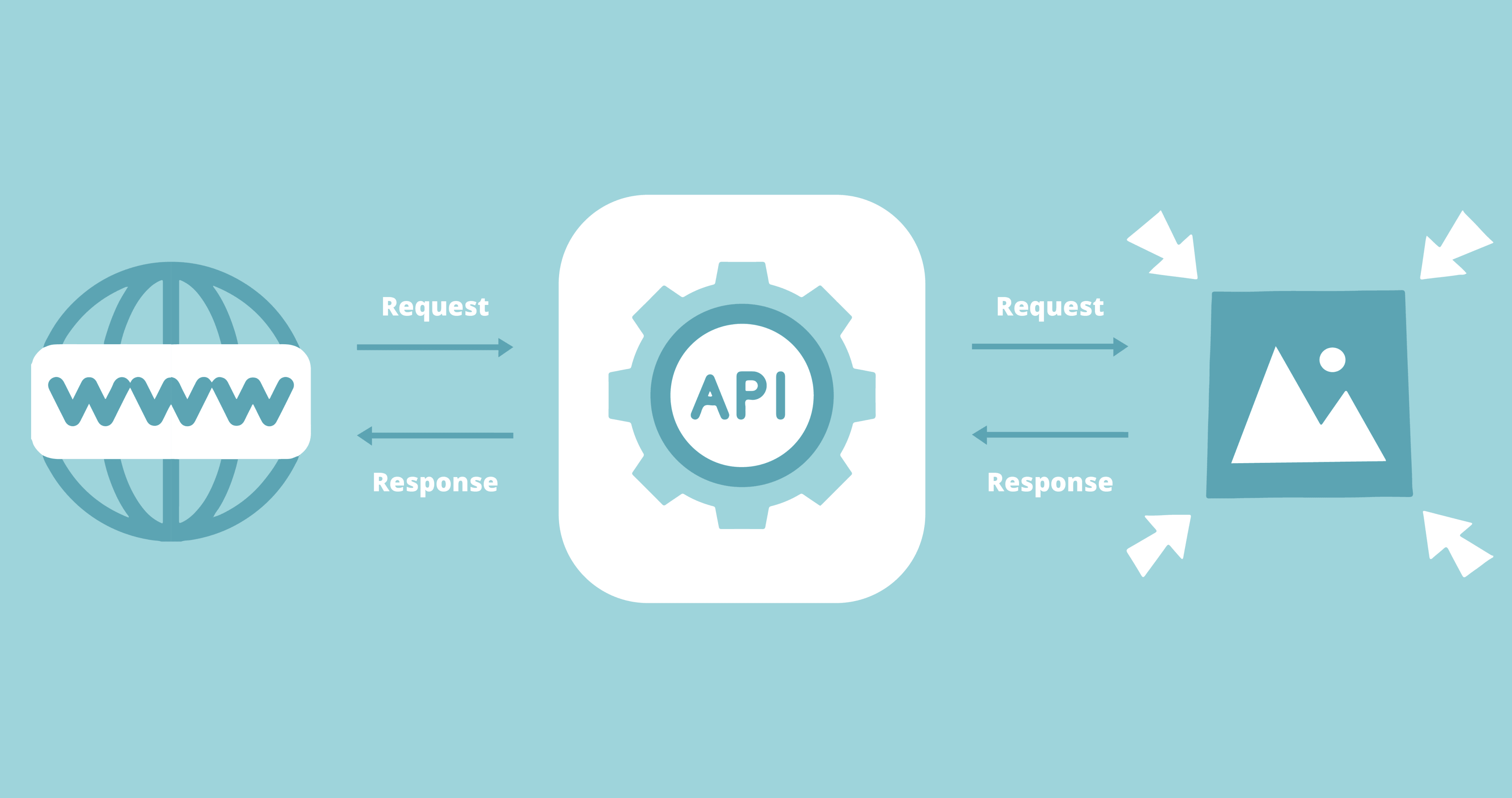
An Developer API is a quick solution to compress a lot of images on your website in no time. Instead of manually uploading all your photos within an online comp

Adpiler is a solution dedicated to streamlining ad approval processes for creative agencies. It allows them to receive feedback and manage approvals in one tool
Can I use WebP? The answer is a resounding yes, with major browsers like Chrome, Firefox, and Edge leading the charge.
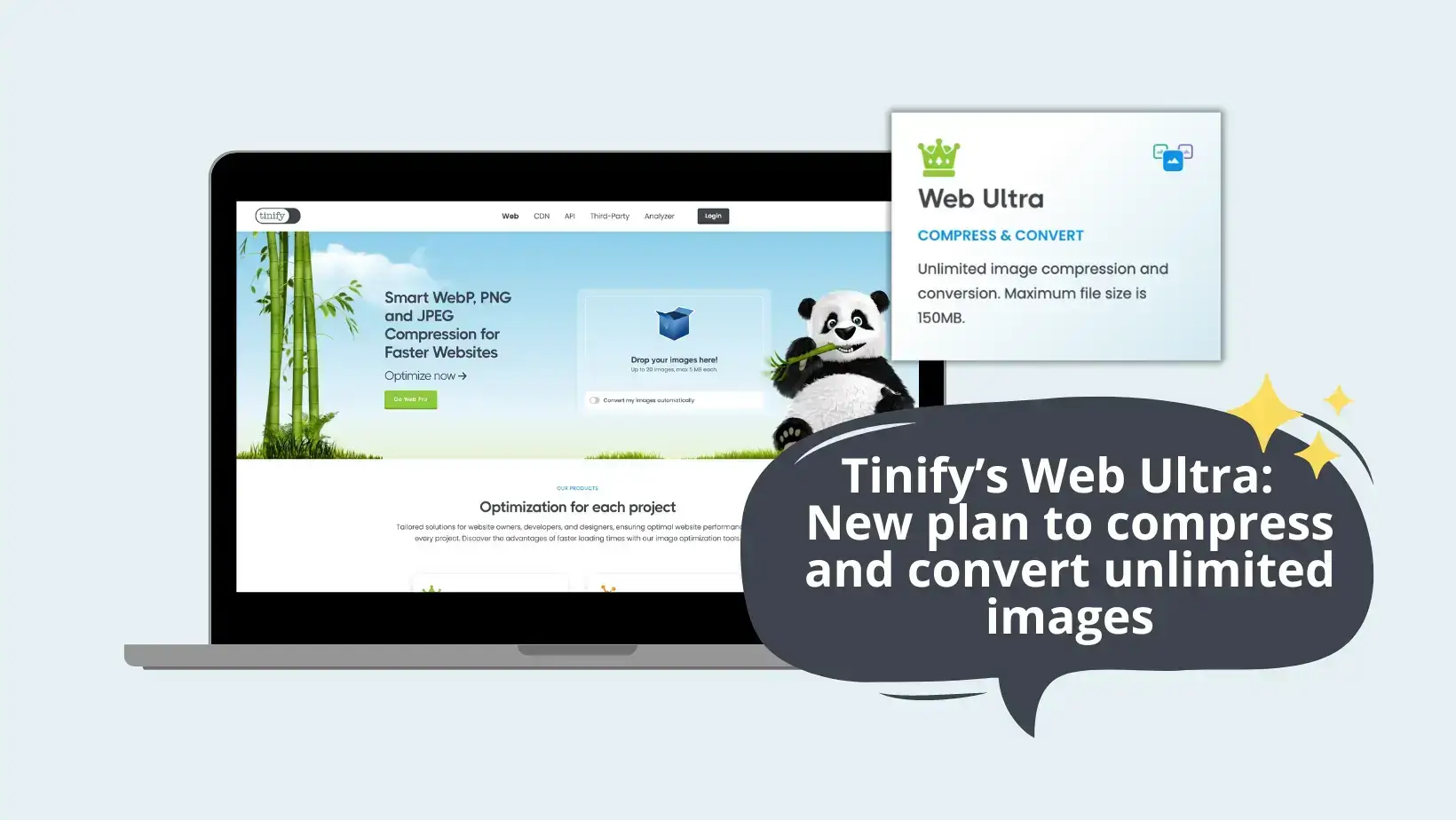
Introducing Tinify’s new website… And Tinify’s Web Ultra! Tinify’s website was long due to a makeover, but we wanted to hold off until the official launch of We

“Tinify helps users download content much faster. When we shrink image sizes by 70 to 80 percent, it really helps people in areas where internet connectivity is

“I found that Tinify’s Web Pro worked exceptionally well for our needs. It just became a part of our workflow.” Guy Walder, Founder of TheGuy TheGuy is a web d

“Infrastructure costs and improving SEO are recurring challenges in the e-commerce industry. Image compression is also one of them, and Tinify’s API has proven

“Ads have a lot of images, it isn’t just one image. So, if each ad is made up of 30 images, and each image is 3KB, that’s already 90KB. That’s why we use Tinify

Tinify’s membership in the CDN Alliance showcases its commitment to the CDN industry and support for standardized practices. Amersfoort – October 18, 2023 – Tin

“We are very focused on performance because the websites we build have very large quantities of images and they have to be very high-resolution. To give you an
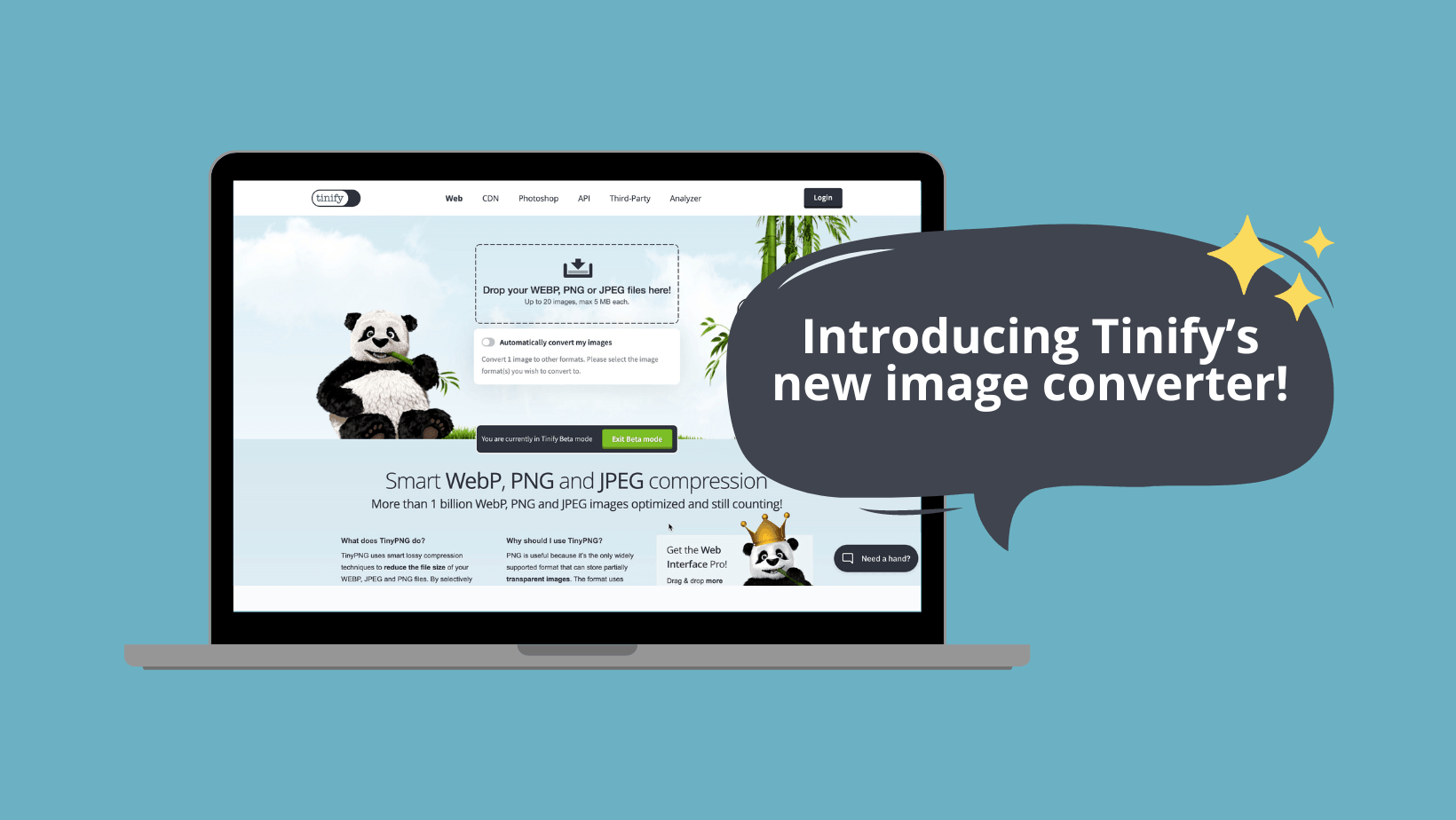
👏 Introducing Tinify’s Beta image converter tool! Did you know that the idea for Tinify started on a train? It was one of those light-bulb moments when a web d

“Performance is more and more important for our clients, and by using Tinify CDN’s services we are able to get outstanding performance scores” Michael Mol, Foun
This blog post was written in collaboration with VEED, a platform to help content creators easily create stunning videos, add subtitles, and grow their audience

“By having a lossless solution to optimize the images, we are usually reducing the image load of articles to under 1 MB, improving the speed and the Web Vitals”

It’s probably safe to assume that any website owner reading this knows about SEO, which is about improving your website’s ranking on search engines to increase

Much like everybody else these days, the Tinify team has been obsessed with ChatGPT to answer the most pertinent – and sometimes not so much – questions. So, wh
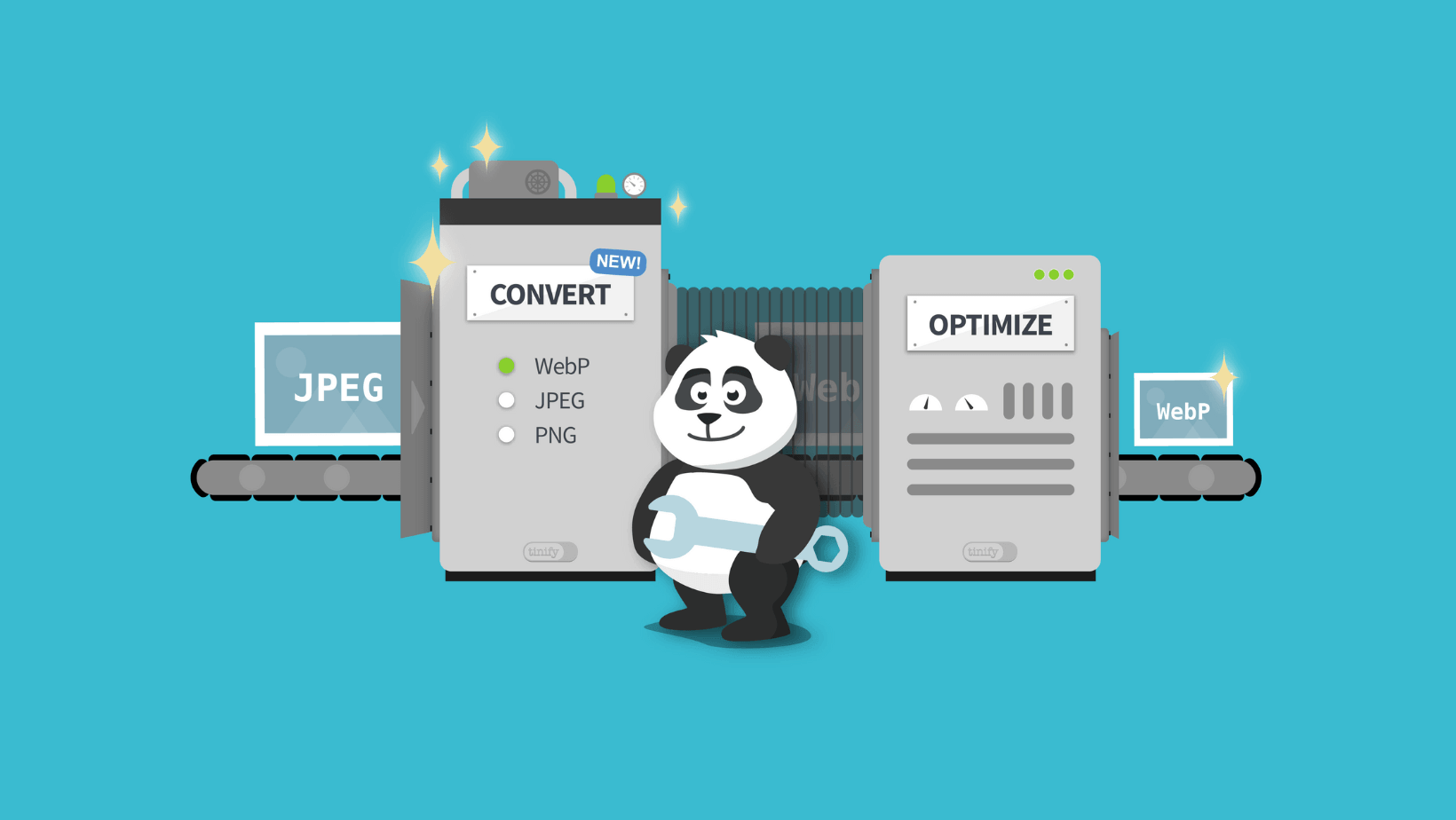
“Can I convert JPG to WebP?”, “When will you develop a JPG converter?”, “Do you have an image converter?”. Yes, yes and yes. Tinify’s API image converter is liv
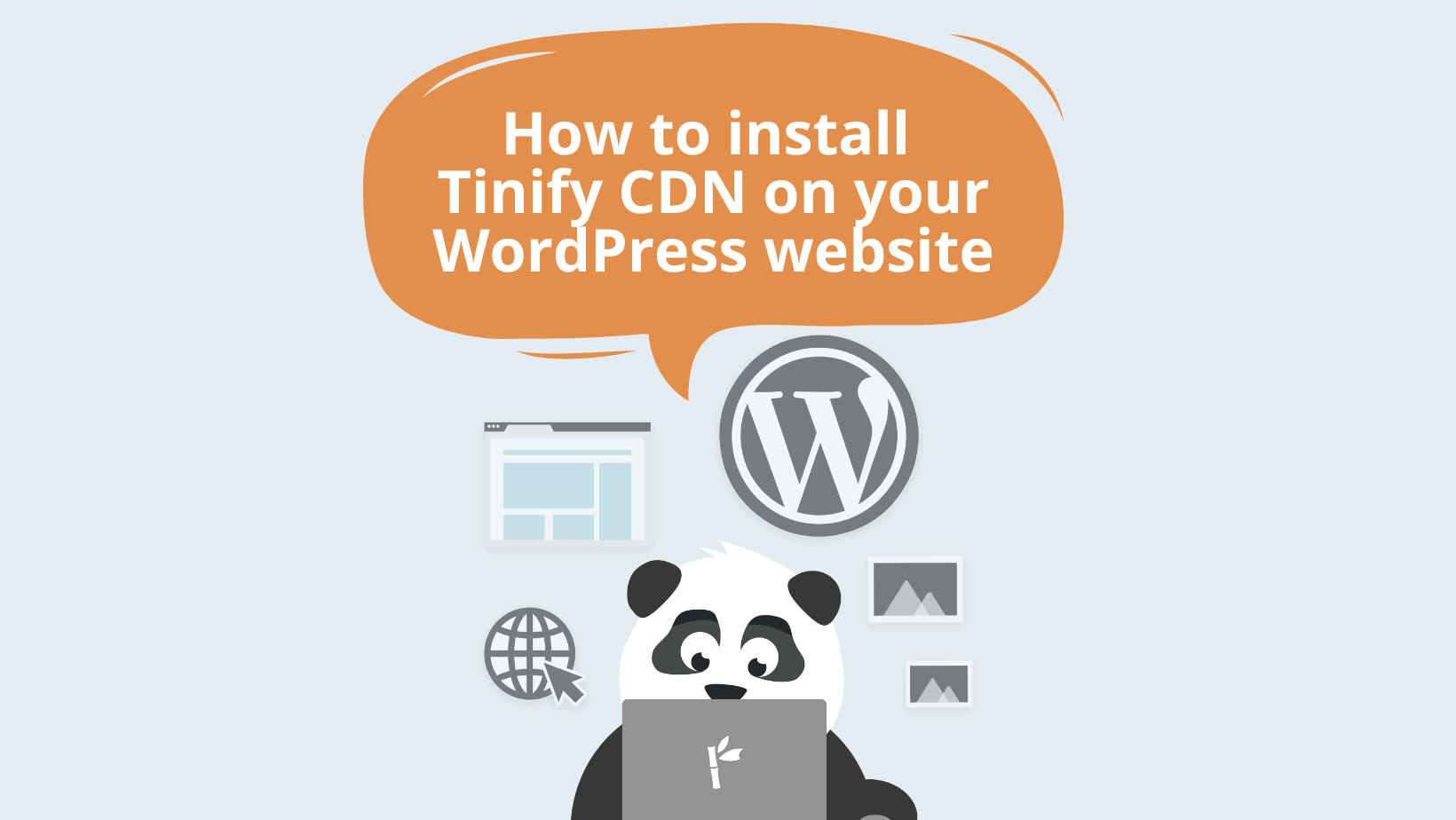
This blog post will walk you through the process of installing Tinify CDN on your WordPress website. It only takes a few minutes and you have the chance to try

“Make PNG smaller”, “how to compress JPEG to 50KB”, and “image size reducer” are a few of the things users type to find a way to compress large images into smal

One of the most read posts in Tinify’s blog is about WebP, a next-gen image format that offers better compression for a faster website. WebP – together with HEI
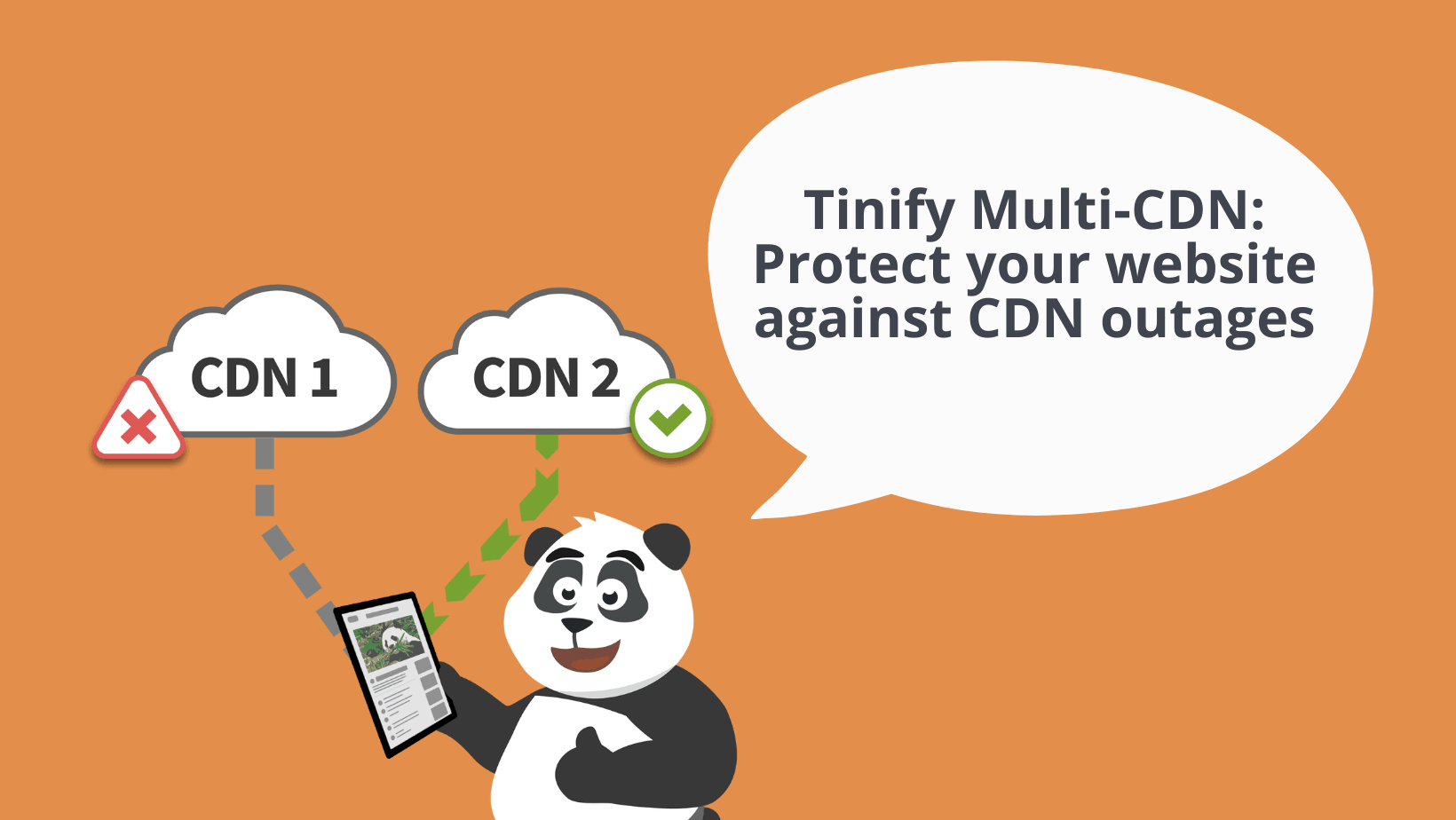
CDN outages can take your site offline. Learn how a multi-CDN switches traffic between providers to keep your site up, and how TinyPNG CDN handles it.
Use a CDN cache purge on single files to update one image, CSS, or JavaScript file without clearing everything. Here's how it works in TinyPNG CDN.

WebP images are 25-34% smaller than JPEGs at similar quality. Learn how WebP works, how it compares to PNG and JPEG, and why it helps your site load faster.

Learn how a content devliery network (CDN) stores your site closer to visitors, cuts load times, handles traffic spikes, and lowers hosting costs.